Complete guide

What Is IPTV? How IPTV Works, Explained in Plain English
IPTV delivers live TV and on-demand video over the internet. Here’s how it works, what you need to watch it, and how to keep the picture steady on any screen.
Guides · Setup help · Plans
Learn how IPTV works, pick the right player, set it up on Fire TV, Android TV or a smart TV, and fix buffering when it happens. When you’re ready to watch, IPTVitec plans bring live channels, films and series to the devices you already own.
4K HDR
Now playing
Northern Static
Guide categories
Start with the basics, set up your device, choose a player — or jump straight to a fix.
Popular device guides
Every device follows the same four steps. Here’s where each one differs — with step-by-step instructions.
Install a player from the Amazon Appstore or the developer’s site, then sign in.
The widest choice of IPTV players, installed straight from Google Play.
Tizen and webOS players, usually activated with the TV’s device ID.
App Store players that support M3U playlists and Xtream Codes logins.
VLC for quick tests, Kodi for a full TV guide on Windows and Mac.
Add the portal URL and register the box’s MAC address with your provider.
IPTV player comparison
Your player app decides how the channel list, TV guide and films look and behave. Choose one that supports your login type and has a proper guide for the way you watch.
Best for Live channels on a big screen
Best for The same app on many devices
Best for Fine-tuning every setting
Best for A free media centre with a guide
Best for Testing a playlist quickly
Login types, catch-up, recording and costs — compared side by side.
Compare IPTV players Availability and features change — check your device’s app store before installing.Featured & latest
Plain-English explainers and step-by-step how-tos — each one shows when it was last reviewed.
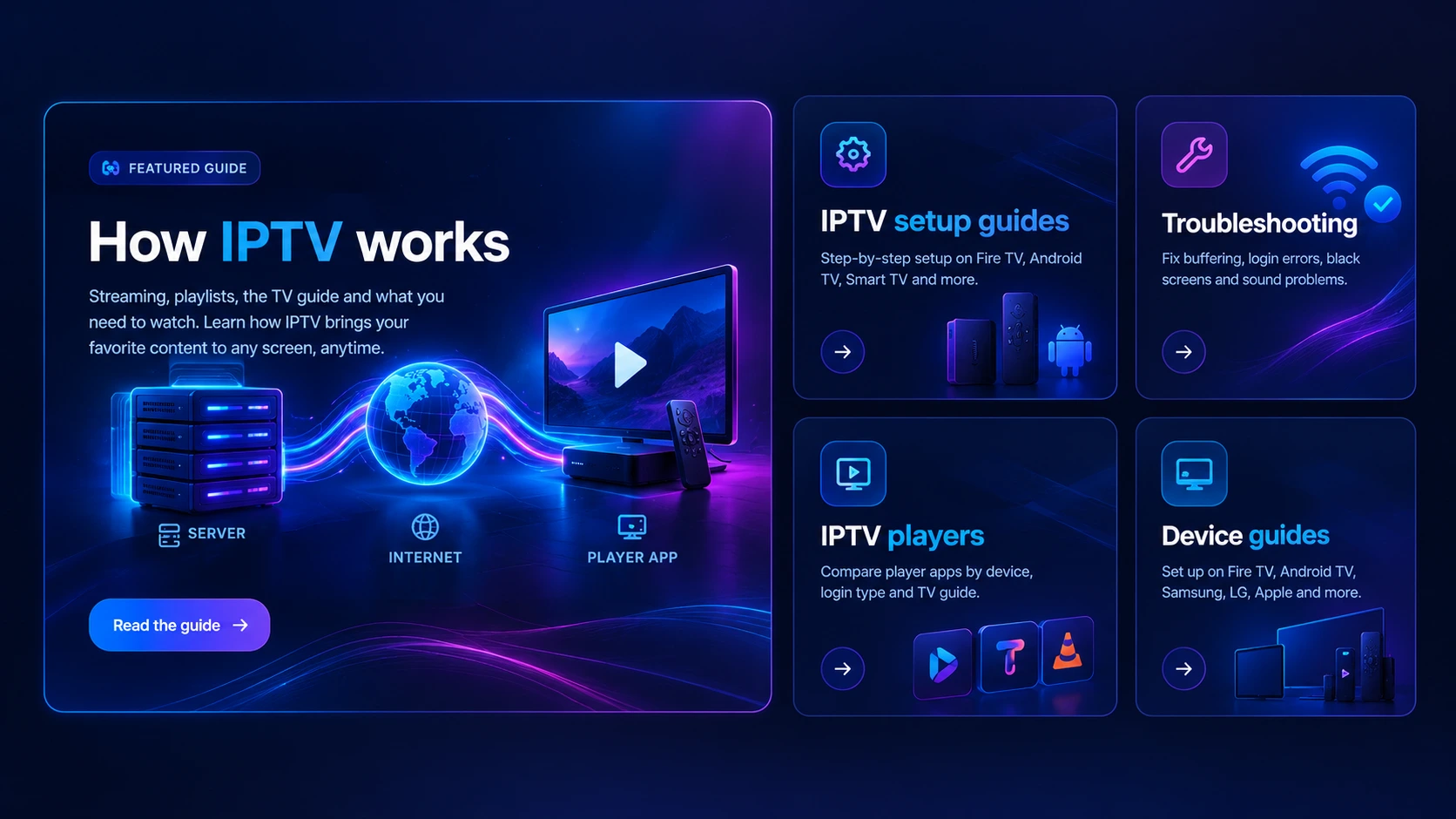
IPTV delivers live TV and on-demand video over the internet. Here’s how it works, what you need to watch it, and how to keep the picture steady on any screen.
Firestick, Android TV box, smart TV or Apple TV? What actually matters for IPTV — player choice, HEVC support, Ethernet and memory — and which device suits you.
Install an IPTV player on your Fire TV Stick, sign in with your playlist or Xtream Codes login, add the TV guide and fix the settings that cause most problems.
Android TV and Google TV have the widest choice of IPTV players. Here’s how to install one, sign in, add the TV guide and get a smooth, stable picture.
Samsung TVs run Tizen, so IPTV works through players from the TV's own app store. How activation by device ID works, how to add your playlist, and what to do if it fails.
LG TVs run webOS, so IPTV works through players from the LG app store. How to install one, activate it, add your playlist and keep it running smoothly.
How to set up IPTV on every common device: install a player, enter your login or playlist, add the TV guide and change the settings that make playback smoother.
The real numbers for SD, HD and 4K, a simple household calculator, and why a stable connection beats a big headline speed.
TV, HDMI port, cable, device, internet speed, plan and settings: the complete 4K checklist, plus how to prove you're really getting 4K.
Troubleshooting
Most IPTV problems come from the home network, the device or a player setting — not the service. Pick what you see.
The IPTVitec service
We focus on the things that make an evening of TV feel effortless — fast start-up, a tidy guide, and help that actually answers.
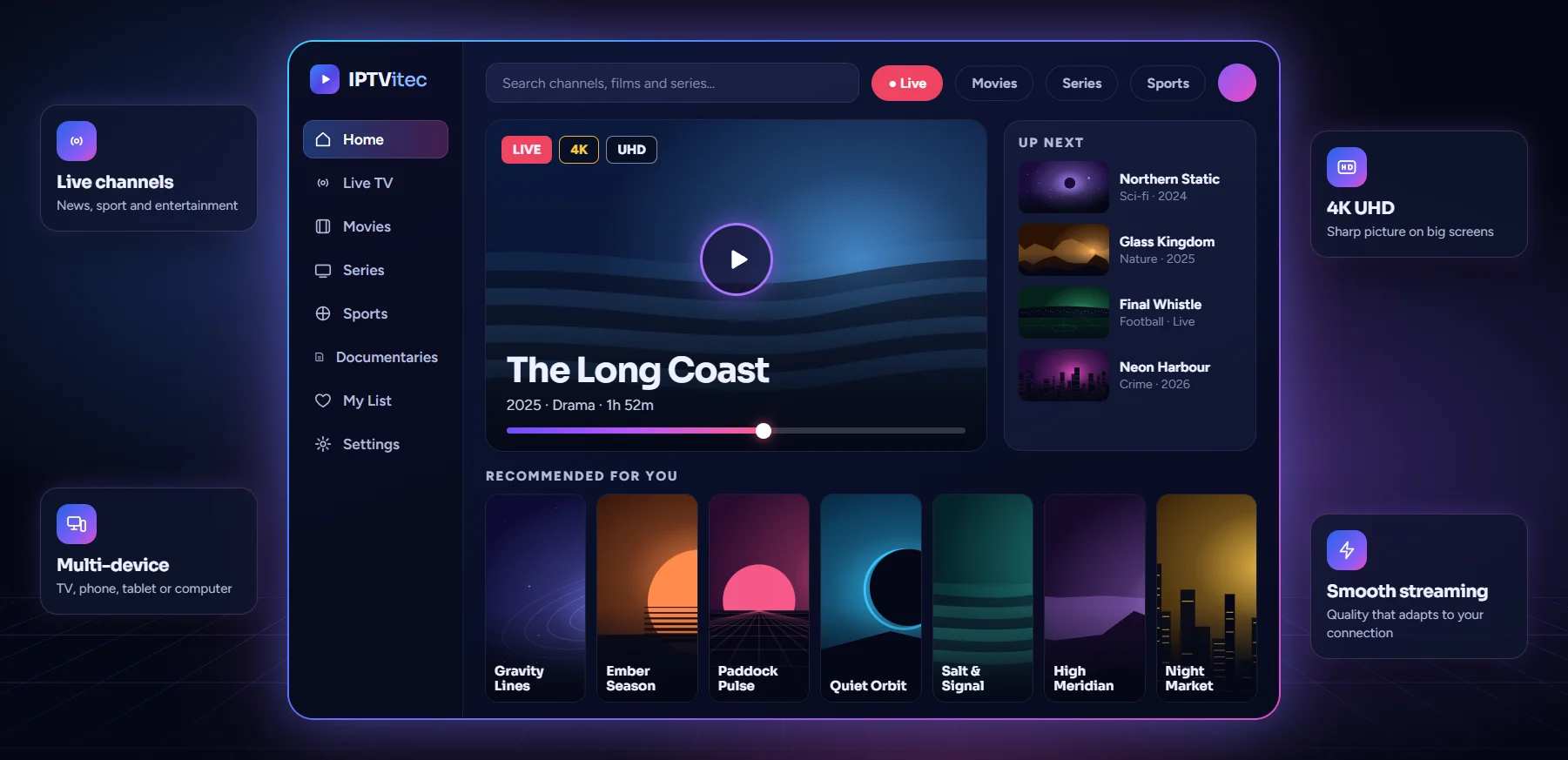
4K, Full HD and HD streams that adapt to your screen and connection, so the image stays sharp.
News, entertainment and sport channels from around the world, with a full programme guide.
A deep on-demand library you can start, pause and resume whenever it suits you.
Smart TVs, Firestick, Android boxes, phones, tablets and computers — set up in minutes.
Pick a plan, receive your login details and start watching the same day.
Stuck on setup? Our team walks you through it step by step on the device you use.
Why IPTVitec
Works on Smart TV, Fire TV Stick, Android TV, Apple TV, iPhone & iPad, Android phone, Windows & Mac and MAG box.
Use the same account on the TV in the lounge and the phone on your commute.
Channels grouped by country and genre, with what’s on now and next.
Sports, premieres and live events streamed in the highest quality your setup allows.
Plans simply end when they run out. No auto-renew traps, no exit fees.
Pricing
Every plan includes the full experience — choose how many screens and how long. No contracts, no auto-renewal.
Watch on 1 device at a timeWatch on 2 devices at the same time
Try it out, stay flexible.
€20 / month
Billed once · no auto-renewal
€35 / month
Billed once · no auto-renewal
A full season of viewing.
€36 / 3 months
Just €12 per month
€60 / 3 months
Just €20 per month
Renew just twice a year.
€45 / 6 months
Just €7.50 per month
€85 / 6 months
Just €14.17 per month
Best value
Set up once, watch all year.
€69 / 12 months
Just €5.75 per month
€130 / 12 months
Just €10.83 per month
Not sure which plan fits? Ask us on WhatsApp
FAQ
How IPTV works, what you need, and how our plans work — the questions people ask most before they press play.
IPTV (Internet Protocol Television) delivers live TV channels and on-demand video over an internet connection instead of an aerial, satellite dish or cable. You watch it in a player app on a smart TV, streaming stick, set-top box, phone or computer.
It depends on your device and how you log in. Android TV and Fire TV have the widest choice of players with full TV guides; Samsung and LG smart TVs have fewer options in their app stores; VLC and Kodi are free choices on many platforms. Our IPTV player comparison explains the trade-offs.
A compatible device (Smart TV, Firestick, Android box, phone, tablet or computer), a stable internet connection and an IPTV player app. We send setup steps for your exact device after you order.
Around 10 Mbps is comfortable for HD and 25 Mbps or more for 4K. A wired connection or strong Wi-Fi gives the most stable picture.
Most buffering comes from the home network: weak Wi-Fi at the TV, other devices using bandwidth, or an overloaded streaming stick. Restart the router and device, test your speed at the TV, switch to 5 GHz Wi-Fi or Ethernet, and check the player’s buffer settings. Our IPTV troubleshooting guide covers each step.
Most accounts are activated the same day. You receive your login details and a short guide, and you can start watching straight away.
You can install it on as many devices as you like. Choose a 1-device plan to watch on one screen at a time, or a 2-device plan to watch on two screens at once.
No. Your plan simply ends when its period runs out. You choose whether to renew, and there are no cancellation fees.
Contact support and we’ll help you troubleshoot — most issues come down to app settings or the connection and are fixed in a few minutes.
Pick a plan, get your login, and follow our setup guide for your device. Questions first? Message us — a real person will answer.